How Google Built-in and Gemini AI Work Inside the 2026 Mazda CX-5
April 16 2026,
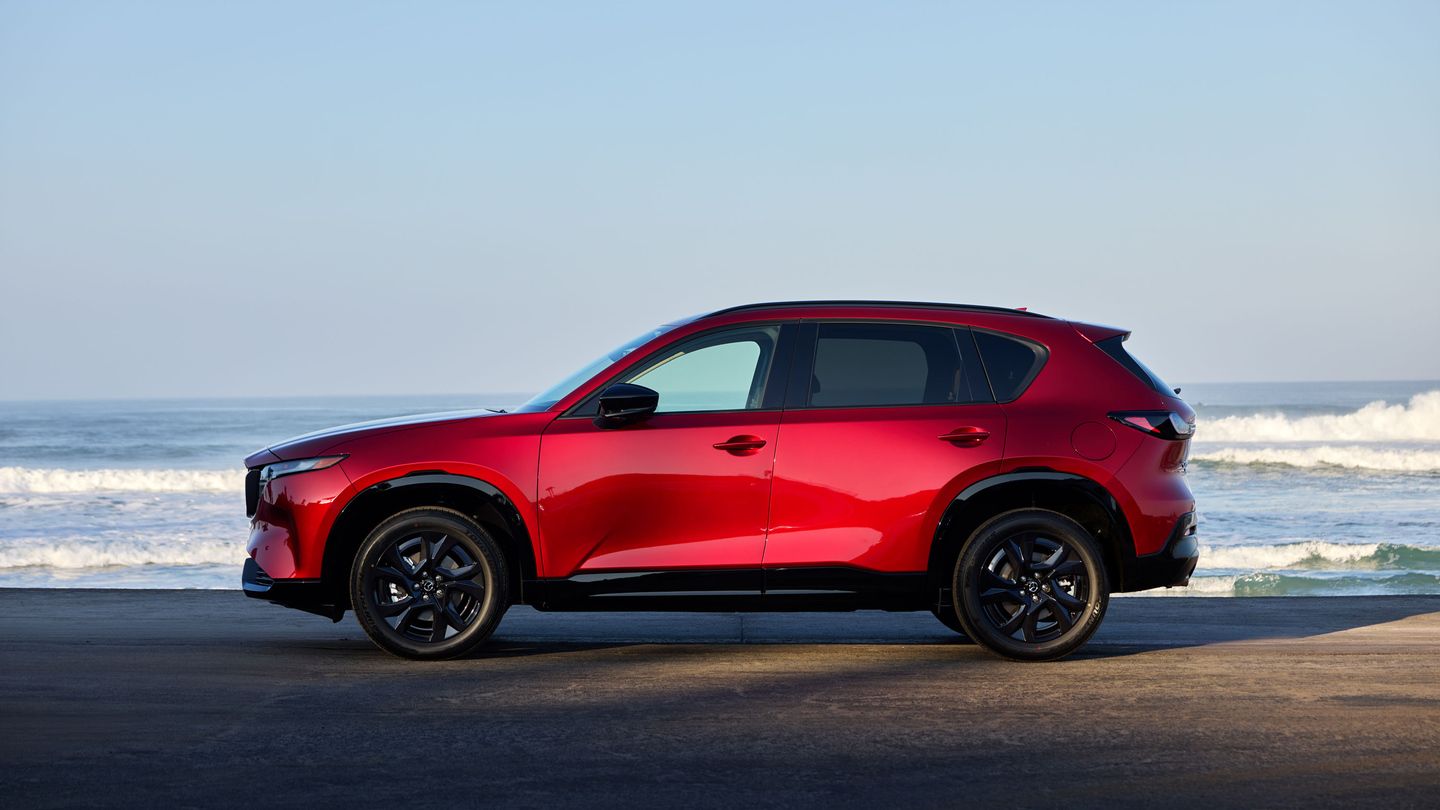
The 2026 Mazda CX-5 arrives with a technology system that marks a clear departure from the outgoing model. For the first time in a Mazda, Google built-in is standard equipment — meaning Google Maps, the Google Play Store, and Google's voice assistant run directly on the vehicle's screen rather than being mirrored from a phone. For drivers in Burnaby who spend their mornings on Kingsway or queuing along Highway 1, this is a practical change to how navigation, media, and hands-free commands work behind the wheel. The system also brings Gemini, Google's AI assistant, which is coming soon to vehicles with Google built-in and will allow for a more conversational, natural-language approach to voice control.
This is the first Mazda to offer this level of built-in connectivity, and it sits at the centre of a redesigned cabin that includes either a standard 12.9-inch touchscreen or an available 15.6-inch display — the largest screen Mazda has ever offered. Beyond the size, the way the system is organized and controlled has been rethought. Here is a closer look at what each piece of this technology does, how it works, and what it means for daily driving in Metro Vancouver.
Google Maps: Built Into the Vehicle, Not Mirrored From a Phone
Previous CX-5 models relied on either a navigation SD card or smartphone mirroring through Apple CarPlay or Android Auto to provide live map data. The 2026 CX-5 changes that by running Google Maps natively on the vehicle's infotainment screen. This means the navigation system has access to real-time traffic data, up-to-date business information, and live rerouting — all without requiring a phone connection to function.
For Burnaby drivers, this has a few practical implications. Real-time traffic updates on routes like the Trans-Canada Highway, Lougheed Highway, and Marine Drive arrive directly on the vehicle's screen, with automatic rerouting when conditions change. Points of interest — restaurants, fuel stations, parking — are sourced from Google's database, which updates continuously. The system also retains its functionality if a driver's phone battery dies or if they forget their phone at home, because the maps and data are processed by the vehicle's own hardware.
- Real-time traffic and rerouting are handled by the vehicle's built-in connection, not the phone
- Points of interest are sourced from Google's live database, so business hours and locations stay current
- Navigation continues to work even if no phone is connected to the vehicle
Gemini AI: Conversational Voice Control Coming to the CX-5
Gemini is Google's AI assistant, and it is coming soon to cars with Google built-in. Once active, it will allow CX-5 owners to speak naturally, ask complex questions, and steer a conversation with follow-ups — no need to memorize specific commands or phrases.
This is different from the wake-word-and-command approach used in most current infotainment voice systems. Instead of needing to say a precise phrase like "Navigate to 4700 Kingsway, Burnaby," a driver could ask a more open-ended question — for example, asking for a coffee shop near a specific location along their route. The system is designed to interpret natural speech patterns and handle multi-step requests in a single exchange.
For a region like Metro Vancouver, where driving conditions can change quickly between rain, construction zones, and heavy traffic corridors, the ability to request information hands-free without taking eyes off the road or learning a specific syntax is a measurable convenience.
The Google Play Store: Apps on the Vehicle's Screen
With Google built-in, the 2026 CX-5 also provides access to the Google Play Store directly from the infotainment display. This gives owners a curated selection of in-vehicle compatible apps — including popular services for music streaming, video streaming, and news — that run on the car's screen rather than being mirrored from a phone.
This also opens the door for Mazda to add branded and third-party features through future software updates, expanding the system's capabilities over time without requiring a visit to the dealership for new hardware.
The Display: 12.9-Inch Standard, 15.6-Inch Available
The 2026 CX-5 offers two screen sizes for its new Mazda Connect system. The standard display measures 12.9 inches, and an available 15.6-inch unit is offered on higher trims — the largest touchscreen Mazda has ever put in a vehicle.
Both displays use a customizable home screen with quick access to frequently used features. Commonly used controls — including HVAC adjustments and volume — are docked at the bottom of the screen, so they remain accessible without scrolling or navigating through menus. Matthew Valbuena, Mazda's manager of in-vehicle technology and human-machine interfaces, described the design philosophy: "Our goal with the 2026 CX-5 was to make technology easy to use while keeping the driver focused on the road. A great deal of research and testing went into developing Mazda's latest infotainment system, and we believe it is well positioned to feel familiar to how customers interact with smartphone-like devices."
The interface is designed to feel like using a phone or tablet, with familiar gestures and a layout that reduces the time spent searching for a specific function.
- Standard 12.9-inch touchscreen with customizable home screen
- Available 15.6-inch touchscreen — the largest display Mazda has ever offered
- HVAC and volume controls stay docked at the bottom of the screen for constant access
- Smartphone-like layout designed to reduce the learning curve for new owners
Steering Wheel Controls and Minimizing Distraction

The 2026 CX-5 adds new steering wheel controls that let the driver interact with the infotainment system without lifting their hands from the wheel. These controls provide a secondary touchpoint for adjusting audio, accepting calls, and triggering voice commands — keeping the driver's eyes on the road and hands in position.
This is part of Mazda's broader design approach for the new CX-5 cabin: giving drivers multiple ways to access the system — touchscreen, voice, or steering wheel buttons — so they can use whatever method feels most natural in the moment. During stop-and-go traffic on the Lougheed Highway, a driver might tap the touchscreen. At highway speed on the Trans-Canada, steering wheel buttons or voice are the safer and more natural choice.
Apple CarPlay and Android Auto: Still Standard
For drivers who prefer to mirror their phone's interface rather than use the vehicle's built-in system, the 2026 CX-5 supports both Apple CarPlay and Android Auto as standard. This means owners are not locked into using Google's ecosystem if they prefer a different approach.
The two systems can work alongside each other. A driver could use Google Maps for navigation on the main display while streaming audio through Apple CarPlay, or they could bypass Google built-in entirely and use their phone's apps through the mirroring interface. The choice is left to the driver.
Key Takeaways
|
Feature |
What It Does |
|---|---|
|
Google Maps (built-in) |
Provides real-time navigation, traffic data, and rerouting directly on the vehicle's screen without a phone connection |
|
Gemini AI (coming soon) |
Allows natural-language voice commands, complex questions, and follow-up requests — no memorized phrases needed |
|
Google Play Store |
Offers a curated selection of in-vehicle apps for music, video, and news directly on the display |
|
12.9-inch standard display |
Customizable home screen with docked HVAC and volume controls |
|
15.6-inch available display |
Mazda's largest-ever touchscreen, offered on higher trims |
|
New steering wheel controls |
Secondary interface for audio, calls, and voice activation without removing hands from the wheel |
|
Apple CarPlay and Android Auto |
Standard on all trims, for drivers who prefer phone-based mirroring |
Learn More at Metrotown Mazda
The 2026 CX-5's connected technology is easier to understand once you see it running on the screen. Visit the team at Metrotown Mazda right here in Burnaby to explore Google built-in, test the voice controls, and see how the new display fits into your daily drive.